Four hours into a 3D render. The scene lighting is finally balanced, the textures are mapped, and the GPU has been grinding through complex ray tracing calculations since before lunch. Then a brief voltage dip. Half a second, maybe less. The kind of flicker you barely notice on a ceiling light.
But your workstation notices. The system crashes. The render queue is gone. The file, if you were lucky enough to have saved recently, is corrupted. Four hours. Gone.
This is not an edge case. For Malaysia’s growing community of 3D artists, architects, AI developers, and CAD engineers, it is an occupational hazard that most people don’t talk about until it happens to them. And in a country where Malaysia’s digital creative industry has generated RM92.5 billion in revenue and created over 11,000 high-value jobs, the stakes of losing work to a power event are no longer just personal, they are professional and financial.
The Industry That Runs on Raw Power
Malaysia’s creative and engineering sector has quietly become one of the most power hungry professional environments in the country. This is not an exaggeration. It is simply physics.
A high end workstation used for 3D rendering or AI model training often includes powerful GPUs drawing 300 to 450 watts each. When combined with a high performance CPU, fast storage, and large displays, a single workstation can consume between 800 watts and over 1,500 watts during intensive tasks. These are not gaming setups. They are professional machines built for precision and heavy workloads.
Malaysia’s digital content industry is also growing rapidly, with a projected 9.4 percent annual growth driven by animation, AI design, gaming, and architectural visualisation. Behind every project is a workstation running at high capacity for hours. Professionals invest heavily in hardware, software, and time, but many overlook one critical factor, protecting their work from unstable power that can cause sudden and costly losses.
Why Your Home UPS Is Not the Answer
When most people think of a UPS, they imagine a small unit under a home router or office computer. These devices usually cost a few hundred ringgit and keep basic equipment running for a few minutes during a power outage.
For a RM20,000 creative workstation, this type of UPS is not enough. In some cases, it can even create more problems.
Most affordable consumer UPS units produce a modified sine wave output. This is acceptable for basic devices like routers, monitors, or standard office desktops. However, high end workstations with professional power supply units are designed to run on a pure sine wave, which is the same smooth and stable power that comes from the grid.
When a modified sine wave UPS activates during a power issue, the workstation receives power that it was not designed to handle. This can lead to reduced efficiency, overheating, system instability, failed shutdowns, or even damage to the power supply. Instead of protecting your workstation, the UPS may increase the risk.
A professional workstation requires a pure sine wave UPS. This is not a premium feature. It is a basic requirement to properly protect high performance hardware.
The 1 Second Rule: How Long It Takes to Lose Everything
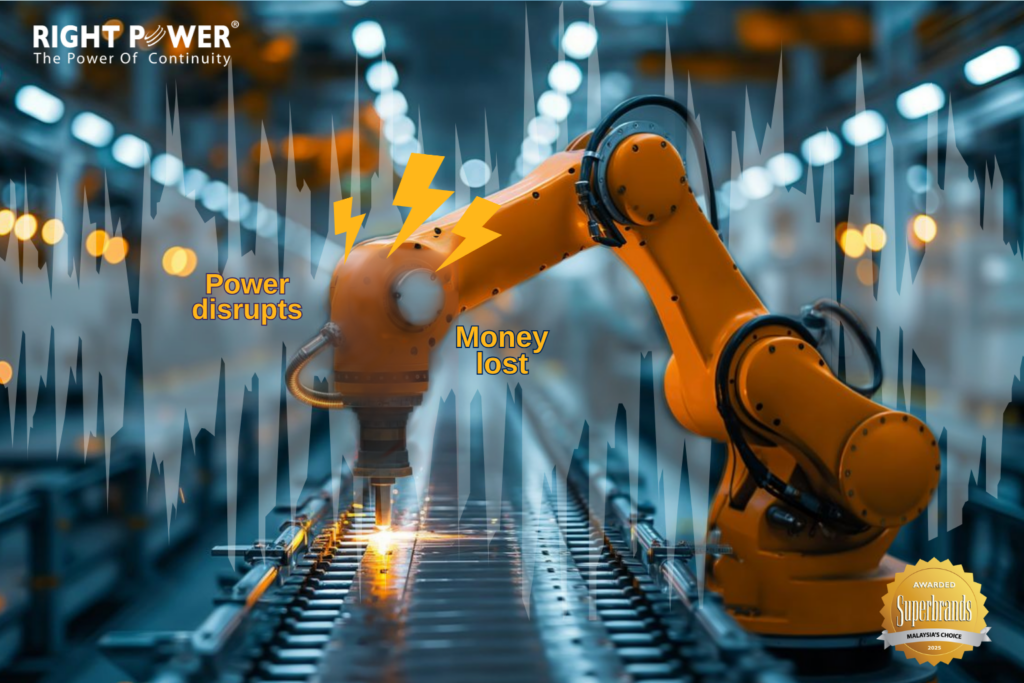
Power issues come in different forms. Most people prepare for full outages, but for creative professionals, the more dangerous problems are the ones that last less than a second. Voltage dips, power sags, and micro interruptions are often too quick to notice, yet strong enough to crash a running workstation.
During a 3D render or AI training task, the system is handling thousands of calculations at once. The GPU is processing data, the CPU is managing multiple cores, and storage drives are writing data in real time. Everything is running in a delicate balance. Even a brief voltage dip can interrupt these processes, causing crashes, incomplete files, or corrupted data that autosave cannot recover.
This is not a software issue. Saving frequently does not fully protect your work from sudden power disruptions. The protection must happen at the power level, before the instability reaches your workstation.
The Real Cost Is Not the Hardware
When a power event crashes a render or corrupts a CAD file, the first concern is often the workstation. But hardware can be replaced. The real cost comes from lost time, missed deadlines, and damaged client relationships.
For a freelance 3D artist, losing four hours of render time could mean missing a deadline or renegotiating fees. For an architectural firm working on BIM models, corrupted files may require days of rebuilding. For an AI developer training a large model, a crash does not just stop progress. It also wastes the computing time and resources already used.
These losses rarely appear in insurance claims. Instead, they show up in client discussions, delayed projects, and the professional impact of explaining why the work is not ready.
A properly selected UPS with pure sine wave output and the right capacity helps prevent these issues. It works quietly in the background, protecting the system from small power disruptions that happen regularly, and keeping your workstation stable when it matters most.
Matching the UPS to the Workstation: What to Look For
Choosing the right power protection for a professional workstation is not complicated, but it does require getting three things right.
1. Pure Sine Wave Output
Any UPS designed for a high end workstation must produce a pure sine wave. Always check the specification sheet. If it mentions simulated or modified sine wave, it is not suitable for professional power supply units.
2. Correct VA and Watt Rating
UPS systems are rated in VA, which stands for volt amperes, and watts. A workstation drawing around 1,000 watts at peak load should use a UPS rated comfortably above that level. This allows room for startup surge, additional peripherals, and a safety buffer. Choosing a UPS that is too small is a common mistake.
3. Runtime That Matches the Workflow
The purpose of a workstation UPS is not always to keep the system running during long outages. Instead, it should provide enough time for a proper shutdown. This includes saving files, stopping render tasks, and powering down safely. Even 10 to 15 minutes of reliable runtime can protect hours of work.
Protect the Work, Not Just the Machine
Malaysia’s digital creative industry is undergoing a transformation fuelled by strategic planning, collaborative ventures, and targeted support mechanisms. The professionals driving that transformation — the animators, the architects, the AI developers — have invested significantly in the tools of their craft.
The workstation is the instrument. The work it produces is the value. And the power infrastructure behind it is the silent policy that determines whether that value is protected or lost to a flicker that lasted less than a second.
A pure sine wave UPS is not an accessory. For professionals running high-end workstations in Malaysia, it is the most straightforward insurance policy their creative work will ever have.